

In the world of business intelligence (BI) tools, both Power BI and QlikView are strong contenders, but each offers distinct features and advantages. For Proxima Cloud CRM users, choosing the right BI tool is crucial for streamlining data analysis, reporting, and decision-making.
Content
Power BI vs. QlikView comparison for Proxima Cloud CRM
This guide compares Power BI vs QlikView for teams that use Proxima Cloud CRM, focusing on reporting, dashboards, and analytics from CRM data. Here’s a breakdown of key aspects that make Power BI the better choice.
1. Cost and Affordability
Power BI is known for its low entry cost and scalability, making it ideal for growing businesses. Affordable pricing means Proxima Cloud CRM customers can start with the basic version and scale as needed, without high upfront costs.
In contrast, QlikView has a higher total cost of ownership, with more complex licensing and higher operational costs, which could be a limiting factor for smaller businesses or startups.
2. Data Handling and Performance
Power BI is optimized for working with large datasets, but users may need to tune performance for very large datasets.
In comparison, QlikView is designed to handle massive datasets and is very effective with extensive, complex data. However, it often requires time-consuming optimization and can be slower to implement in real-world scenarios, making Power BI a more efficient solution for real-time analytics and dashboards.
3. Visualization and Reporting
Power BI shines with its modern, customizable visualizations, supported by a rich marketplace of add-ons and custom visuals. Its integration with Microsoft Power Apps and Excel makes it easy to share reports with users across an organization.
QlikView, on the other hand, offers fewer built-in visualizations and requires more technical development for customization, making it less ideal for Proxima Cloud CRM users who need flexible, easily sharable reports.
4.Integration with Proxima Cloud CRM
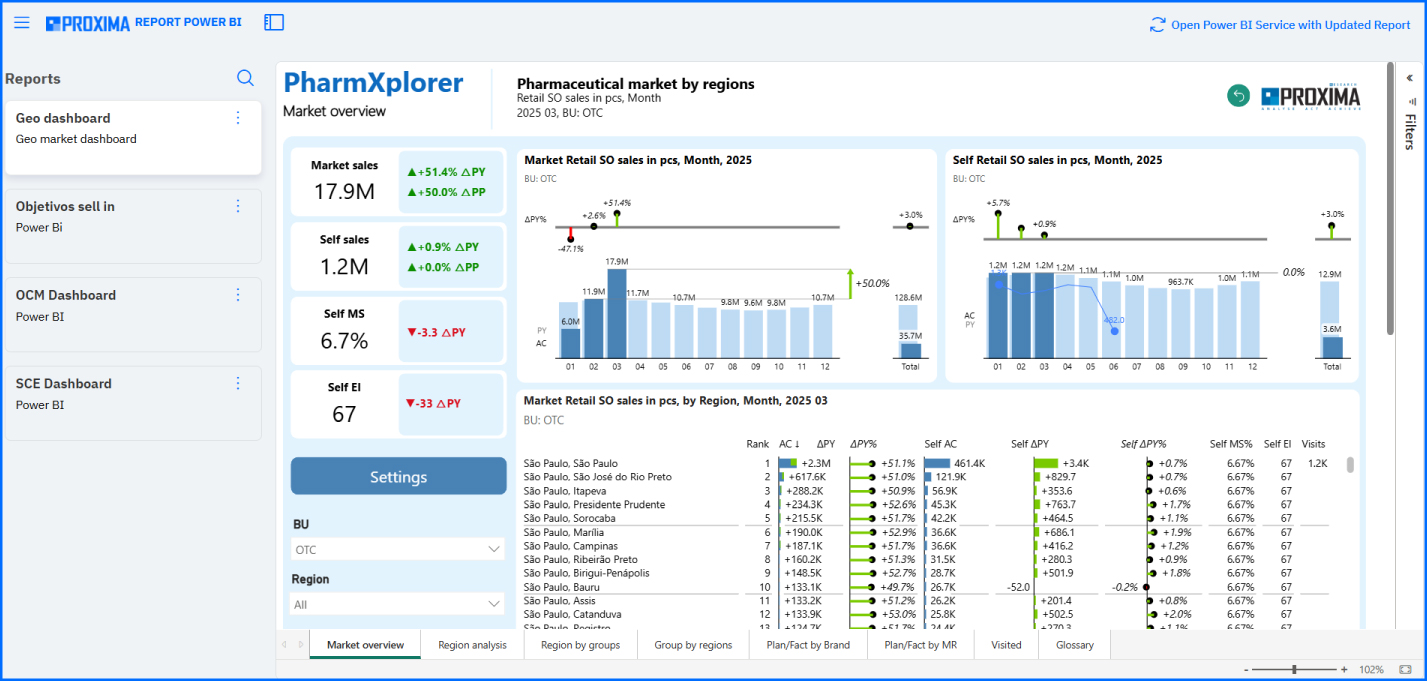
Power BI benefits from strong integration with Microsoft tools such as Azure, Excel, and other Microsoft applications, offering seamless data synchronization and reporting for Proxima Cloud CRM users.
QlikView, while providing broad integration capabilities, often requires more technical effort to integrate with existing CRM systems, which could add complexity and cost to the implementation.
5. Scalability and Support
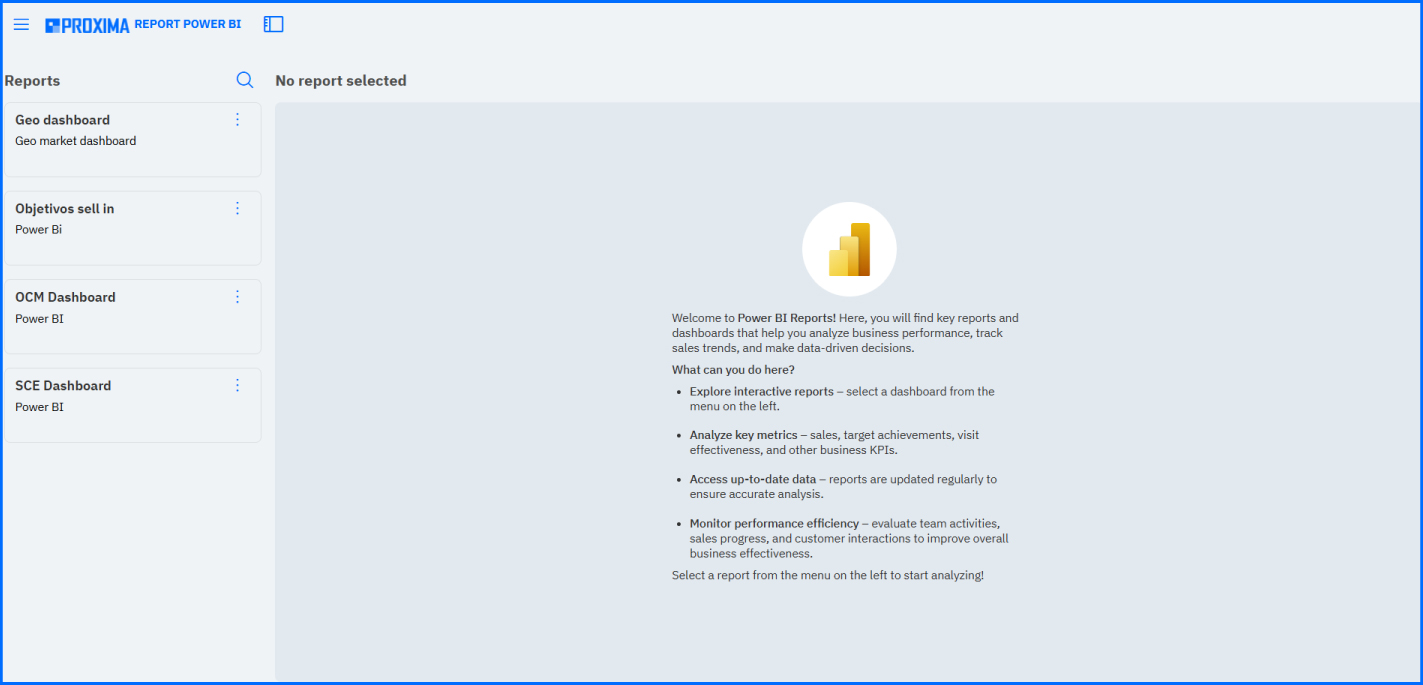
Power BI offers easy scalability and robust support from the large Microsoft community. For Proxima Cloud CRM users, Power BI’s cloud-based offering provides flexibility as businesses grow, without needing to worry about complex system changes. Additionally, Microsoft offers firm support and resources, including tutorials, forums, and official documentation.
QlikView also offers scalable solutions, but with more complexity and fewer resources for non-technical users.
6. Ease of Use
Power BI offers a simple, intuitive interface that lets business users quickly start creating reports and dashboards. This ease of use is perfect for Proxima Cloud CRM customers who need quick insights without extensive technical expertise.
On the other hand, QlikView is more complex and requires significant training to leverage its capabilities fully. While QlikView is designed for users with a more technical background, it’s not as accessible to business professionals without deep BI knowledge.
7. Data Models and Structure
Power BI uses a classic tabular data model, making it easier for users to understand and navigate. It also works well with a star schema - ideal for structured data analysis.
QlikView, however, uses an associative data model, which is powerful for advanced users who need to work with complex, multi-faceted datasets. While QlikView excels at handling large, complicated datasets, its structure is more difficult for non-technical users to grasp.
8. Analytics and Customization
Power BI offers powerful DAX-based analytics capabilities, which are essential for Proxima Cloud CRM customers looking to perform detailed, custom analyses. It is also more user-friendly for self-service BI, which empowers business users to create their own reports and analyses without relying on IT support.
QlikView, while offering strong research capabilities, requires a deeper understanding of its complex structure and can be challenging to customize without specialized technical skills.
Conclusion: Power BI is the Ideal Choice for Proxima Cloud CRM Users
For Proxima Cloud CRM customers, Power BI is the clear choice over QlikView. Its ease of use, integration with Microsoft tools, and powerful analytics capabilities make it the perfect BI solution for businesses looking to extract meaningful insights from their CRM data. With lower total cost of ownership and a more straightforward setup process, Power BI enables companies to scale their BI needs effectively.
While QlikView excels at handling complex data and offers a more customizable solution for advanced users, Power BI’s accessibility and efficiency make it a better fit for Proxima Cloud CRM customers who need fast, reliable insights without the technical burden.
By choosing Power BI, businesses can unlock the full potential of their Proxima Cloud CRM data, streamline decision-making, and drive growth with ease.
Try the demo
Want to see how reports and dashboards work with your CRM data in real scenarios?
Try the Proxima Cloud CRM demo and test the analytics and reporting approach with BI integration—so you can evaluate which tool and report format best fits your team.