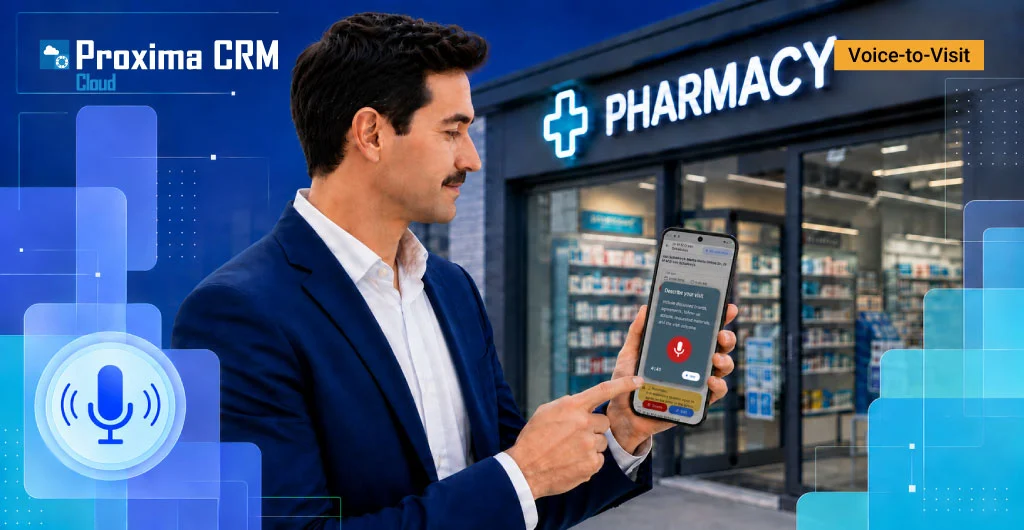
Voice-to-Visit in Action: A Medical Representative’s Voice Report in the Proxima Cloud CRM Visit Card

voice visit reporting in CRM

In the first article, “Voice-to-Visit in Proxima Cloud CRM: How AI Turns Voice into Structured CRM Data,” we explained the logic of Voice-to-Visit—from voice transcription to AI mapping of information into structured visit-card fields.
Now we will show how it works in a specific scenario — a medical representative’s visit to a physician with the promotion of one brand.

This is not a test of every possible visit type. We intentionally show a simple and clear case here: a brand, an agreement, a presentation, the meeting result, and next actions.

Contents

Breaking Down the Medical Representative’s Voice-to-Visit Report

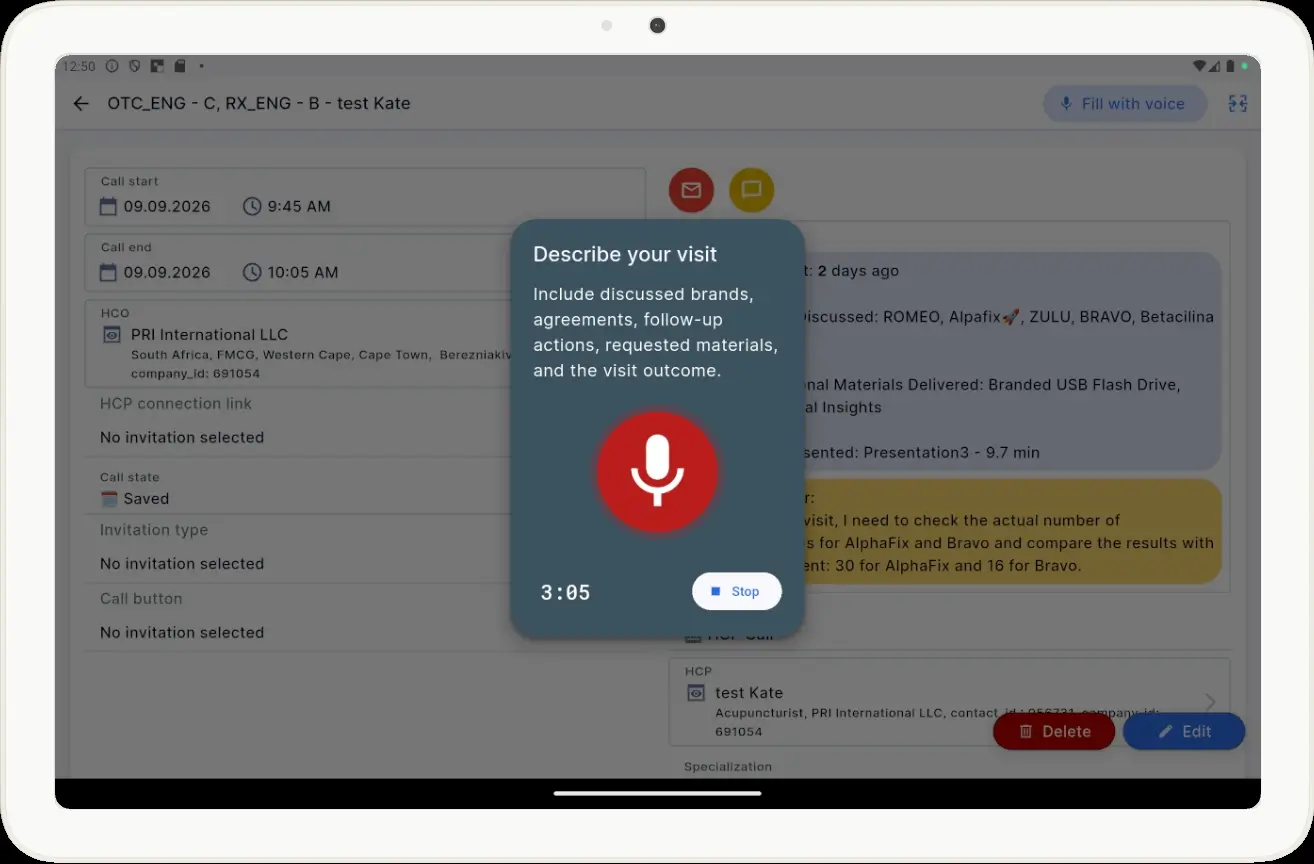
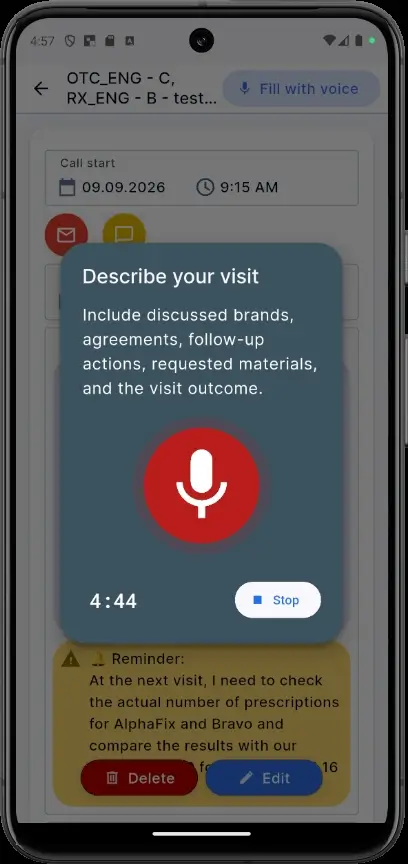
We will intentionally demonstrate this not only on a tablet but also on a phone, which we believe is the most convenient option in everyday life. As a tool in the Proxima Cloud CRM mobile app, Voice-to-Visit is available on different mobile devices. And while a tablet is more practical for demonstrating interactive Proxima CLM presentations, a report can be dictated over a cup of coffee between visits.

Original Speech Scenario

The medical representative conducts a visit.

During the meeting, they:

  • promote Alpafix;
  • use a presentation and promotional materials (if available);
  • discuss current metrics and agree on a plan;
  • receive a request to bring additional materials;
  • record a positive meeting result;
  • create a reminder for the next visit.

After the meeting, instead of opening several visit-card sections one by one, the field team employee launches Fill with voice.

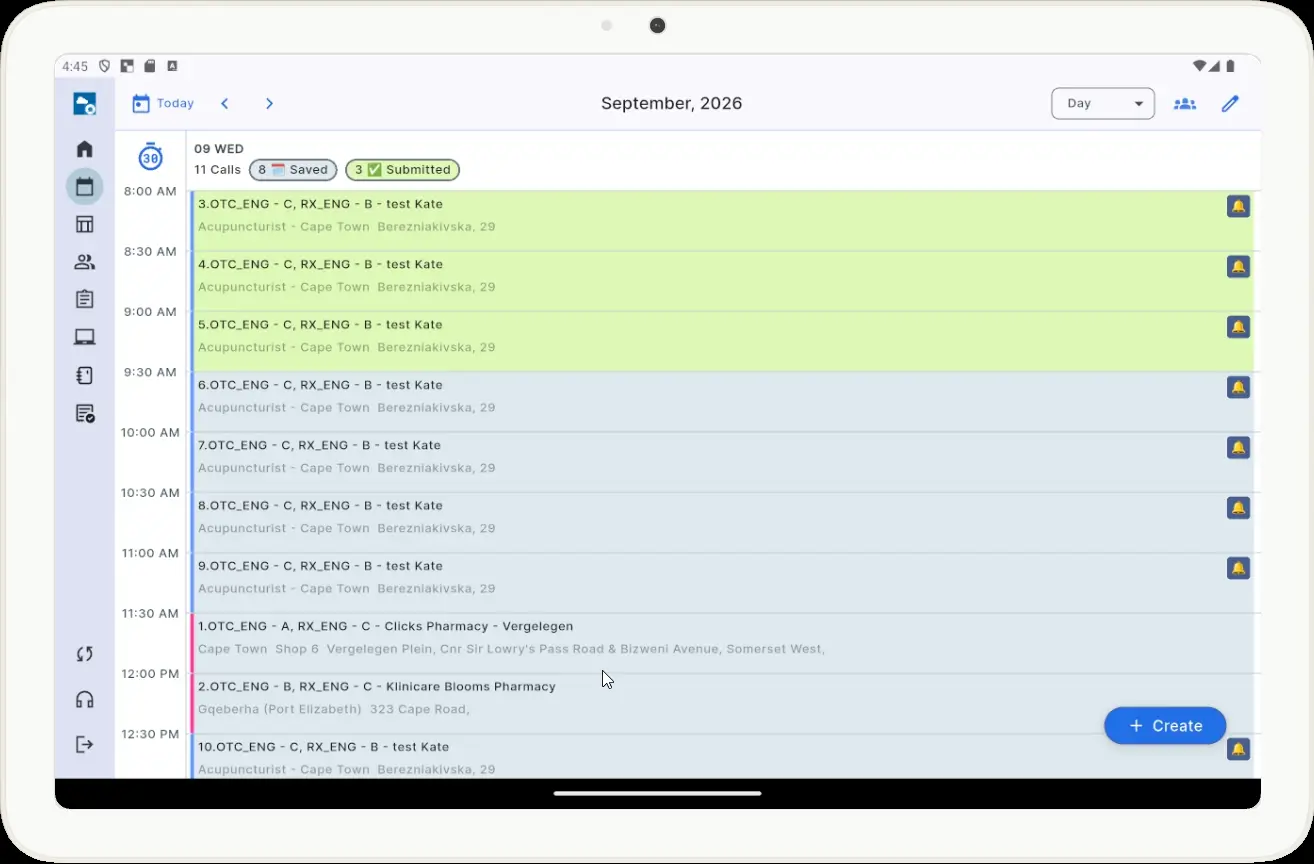
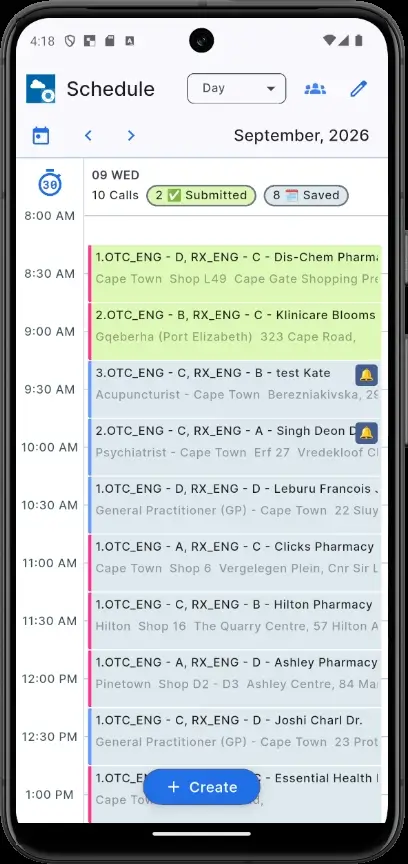
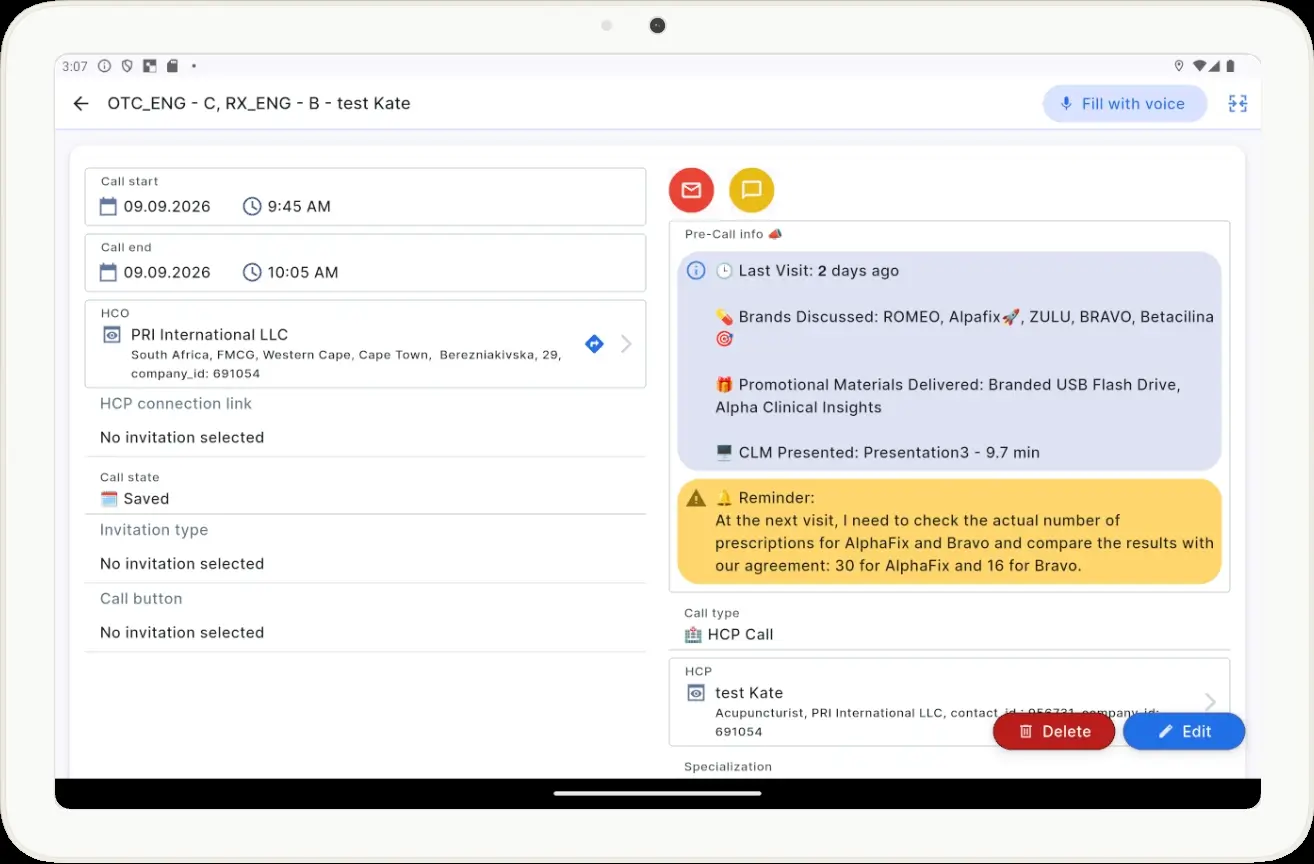
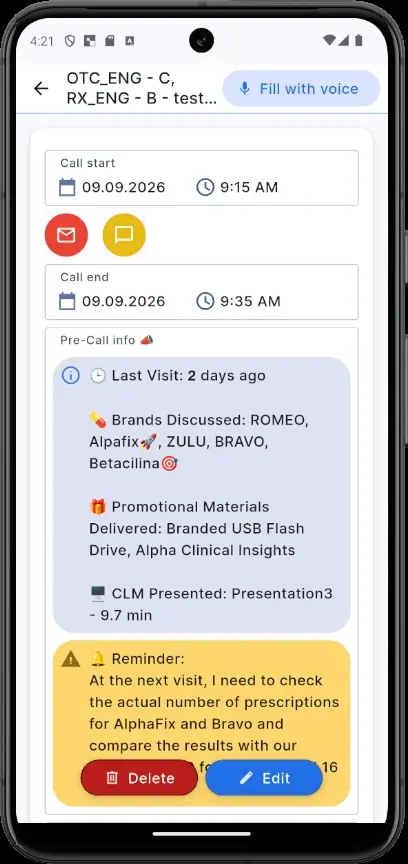
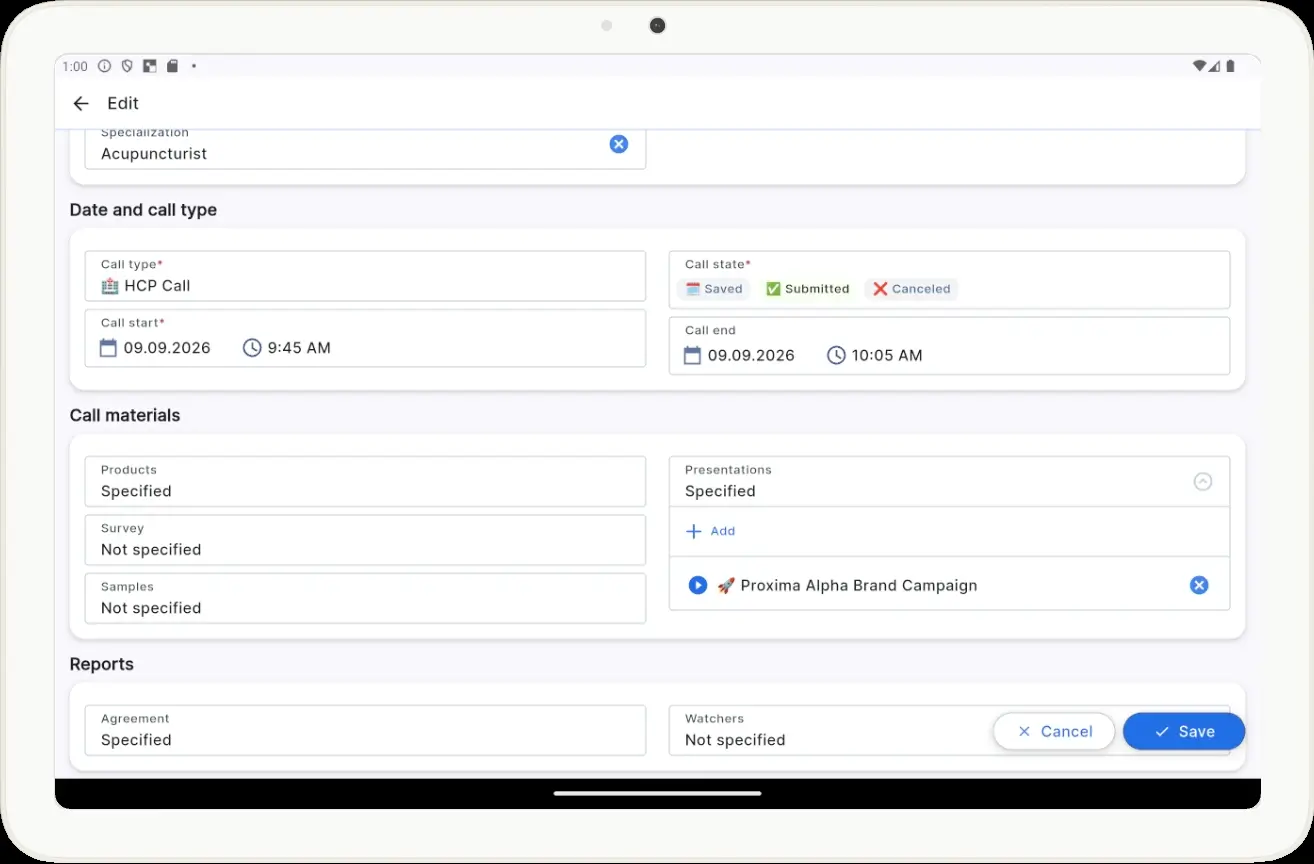
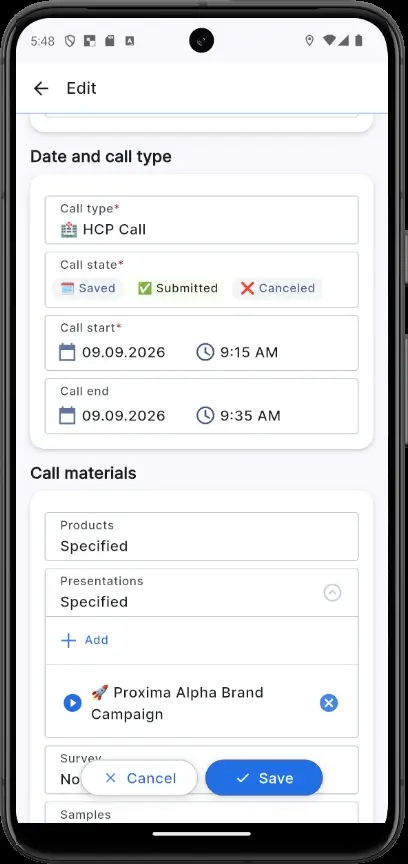
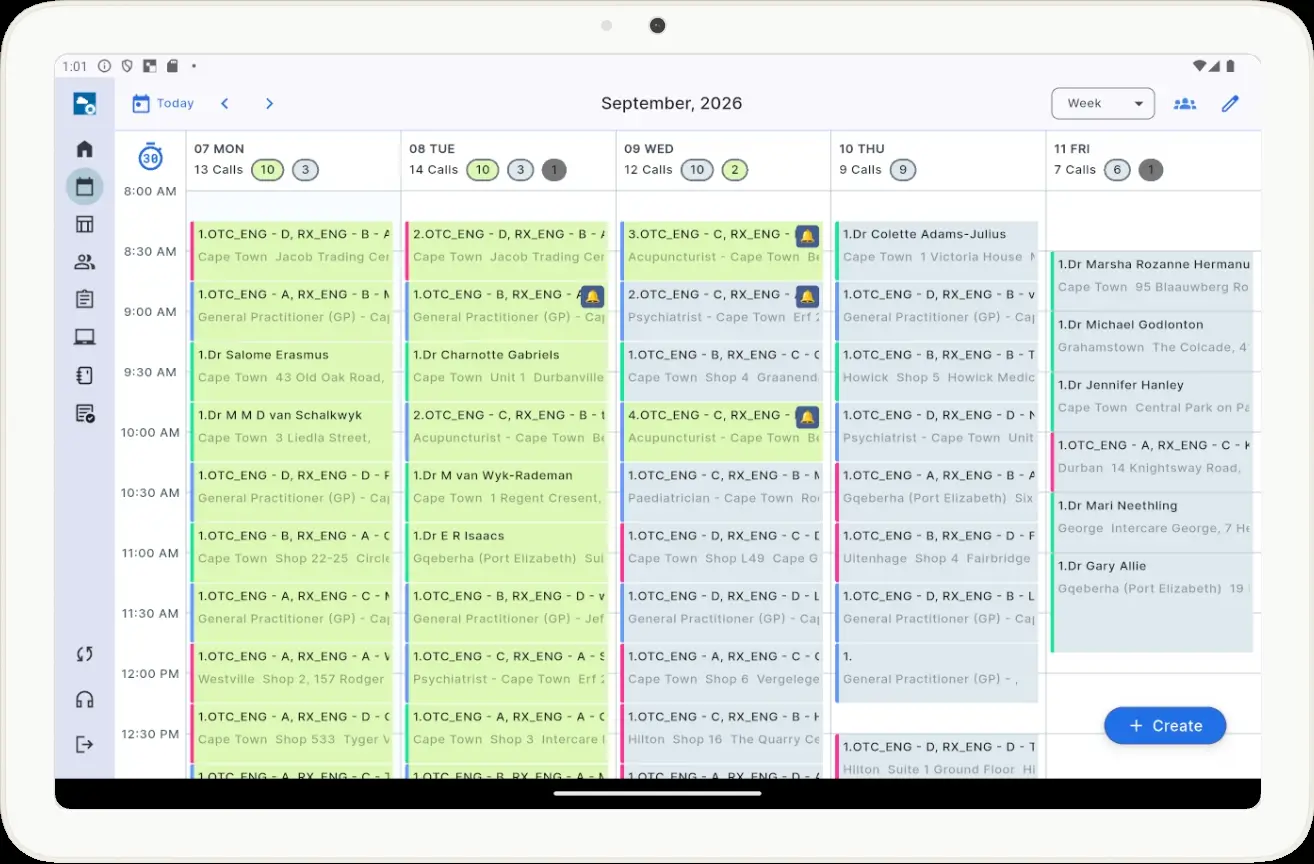
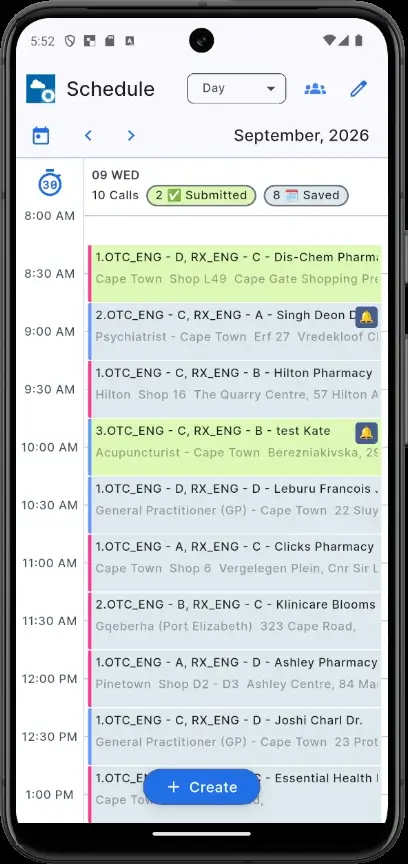
Screenshots 1–4. Test physician visit: the medical representative launches Fill with voice directly from the visit card.

Natural Speech Instead of Reading Field Names

For the test, we did not use a machine-like scenario such as “Brand — Alpafix, Agreement — 39, 30, 10.”

Screenshots 5–6. Voice input of the report before closing the physician visit.

The speech sounds like a normal representative’s note after the meeting:

“During my visit to the doctor, I promoted the Alpafix brand. At the beginning of the visit, I returned to the results of our previous agreement regarding Alpafix and discussed the brand’s current performance with the doctor.

We discussed the use of the product, its key benefits, and the main points for recommending it.

For the presentation, I used Proxima Alpha Brand Campaign.

During the visit, I also delivered the promotional materials Branded USB Flash Drive and Alpha Clinical Insights.

Regarding the agreement for Alpafix: Potential is thirty-nine. Plan is thirty. Actual is ten.

At the next visit, I need to check whether the Alpafix result has reached twenty prescriptions.

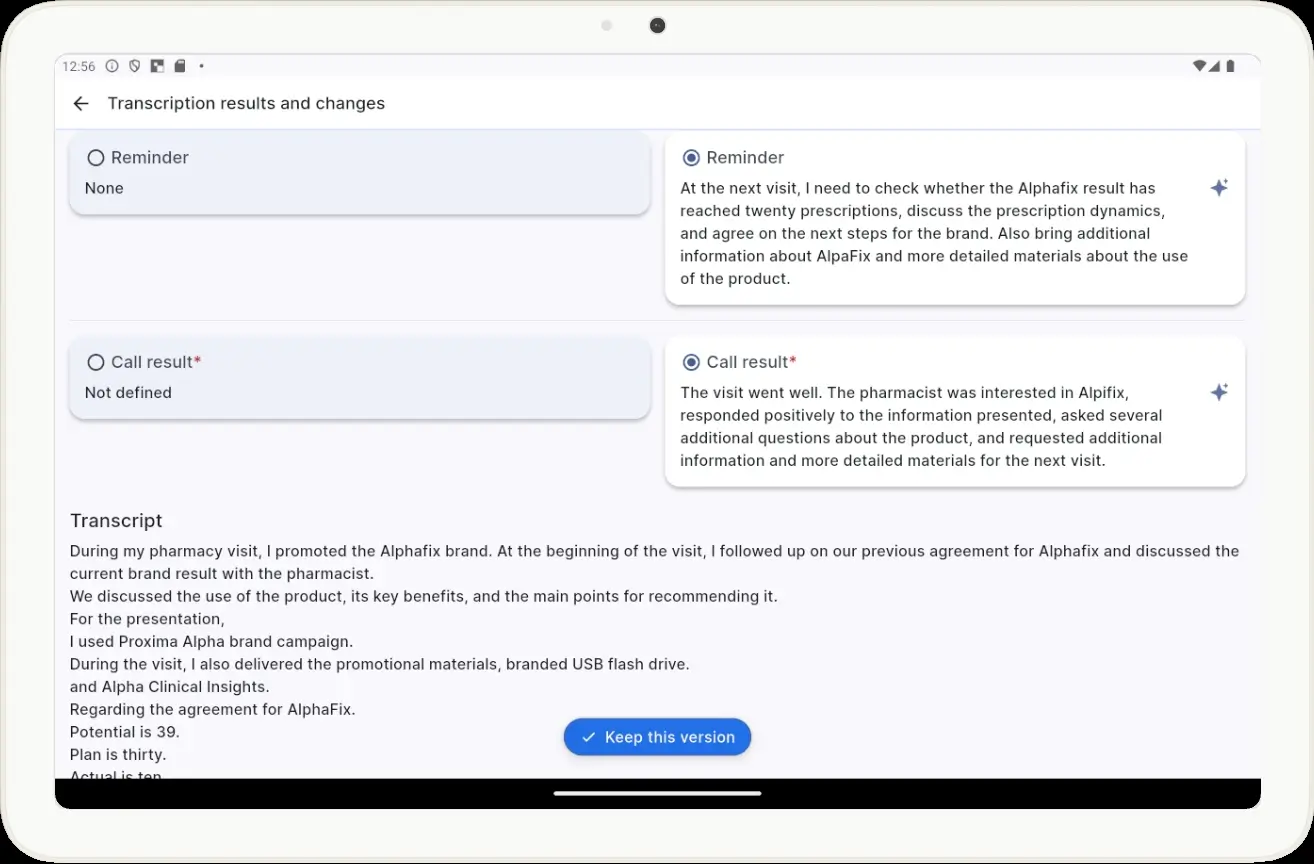
The visit went well. The doctor showed interest in Alpafix, responded positively to the information presented, and asked a few additional questions about the product.

The doctor also asked me to bring additional information about Alpafix and materials with a more detailed description of how to use the product at the next visit.

At the next visit, I need to check the Alpafix result, discuss the prescription dynamics, and determine the next steps for the brand.”

This is an important Voice-to-Visit principle: the pharmaceutical representative should not have to read out the technical CRM structure. They speak naturally, but specifically enough for AI to determine the meaning.

What the System Should Understand from One Message

From this speech, Voice-to-Visit extracts several fragments with different meanings:

Part of the Speech CRM Data
“promoted the Alpafix brand” Products → Alpafix
“used promotional materials Branded USB Flash Drive” Materials → Branded USB Flash Drive
“Potential 39” Agreement → Potential = 39
“Plan 30” Agreement → Target scripts = 30
“Actual … 10” Agreement → Actual scripts = 10
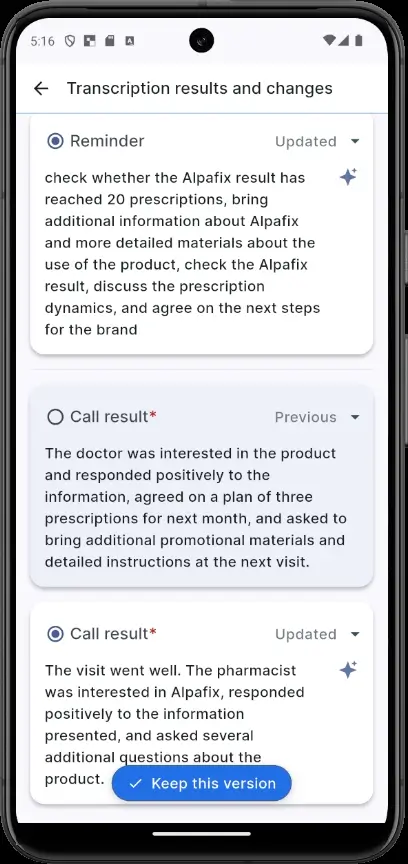
“The visit went well” Call Result
“bring additional information about Alpafix …” Reminder
“check the Alpafix result …” Reminder

This is where the difference between ordinary speech-to-text and Voice-to-Visit becomes clear.

The system does not simply receive one large block of text. AI identifies the semantic role of individual parts of the speech and distributes them across the relevant sections of the visit card.

Agreement in a Real Proxima Cloud CRM Visit Card

In our example, the Agreement workflow is the clearest illustration.

The field employee said:

“Potential is thirty-nine. Plan is thirty prescriptions. Actual is ten.”

For Alpafix, the expected CRM structure is:

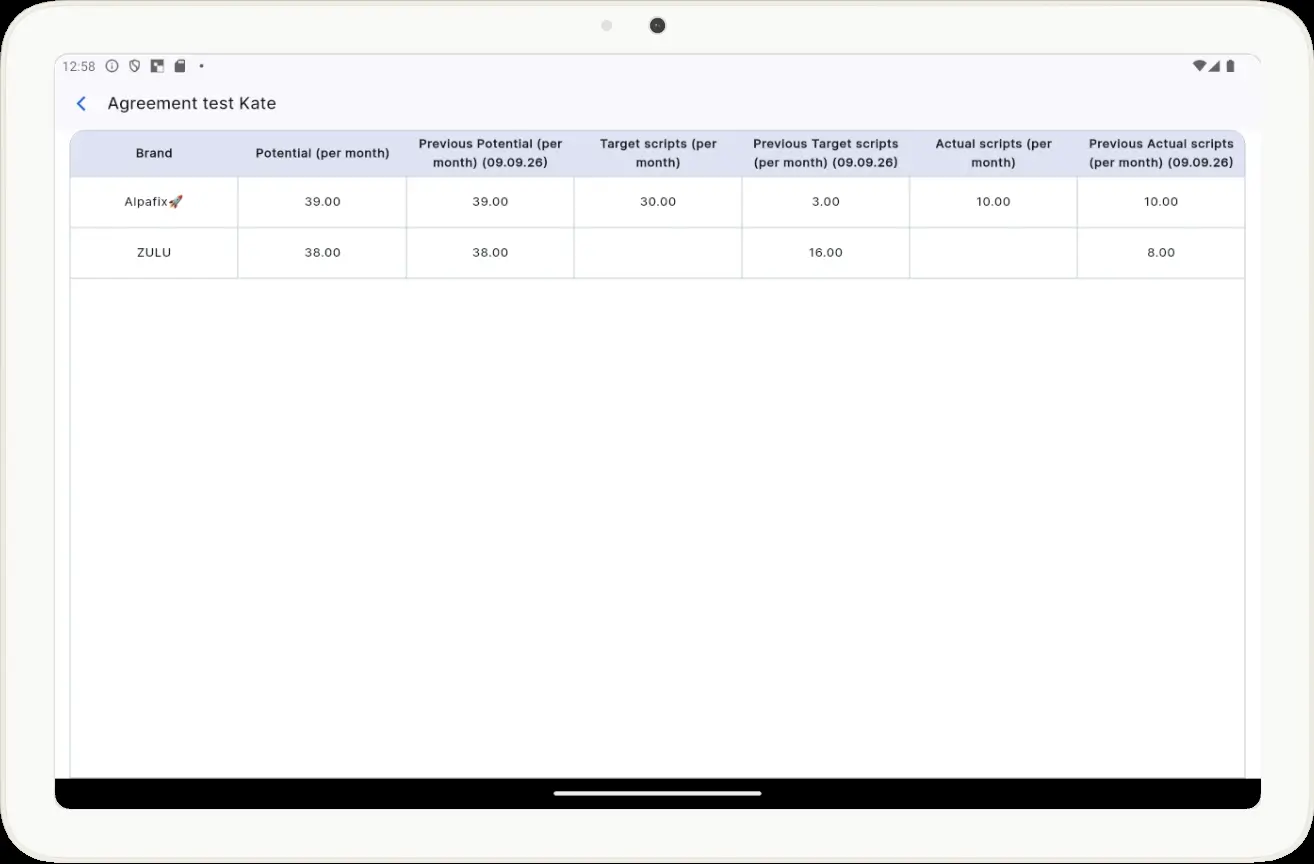
Potential (per month) — 39.00, Target scripts (per month) — 30.00, Actual scripts (per month) — 10.00

This corresponds to the Potential / Plan / Actual product logic that Voice-to-Visit uses for Agreement and the related agreement parameters, and only for the brand that was actually promoted—not one that was merely predefined for promotion.

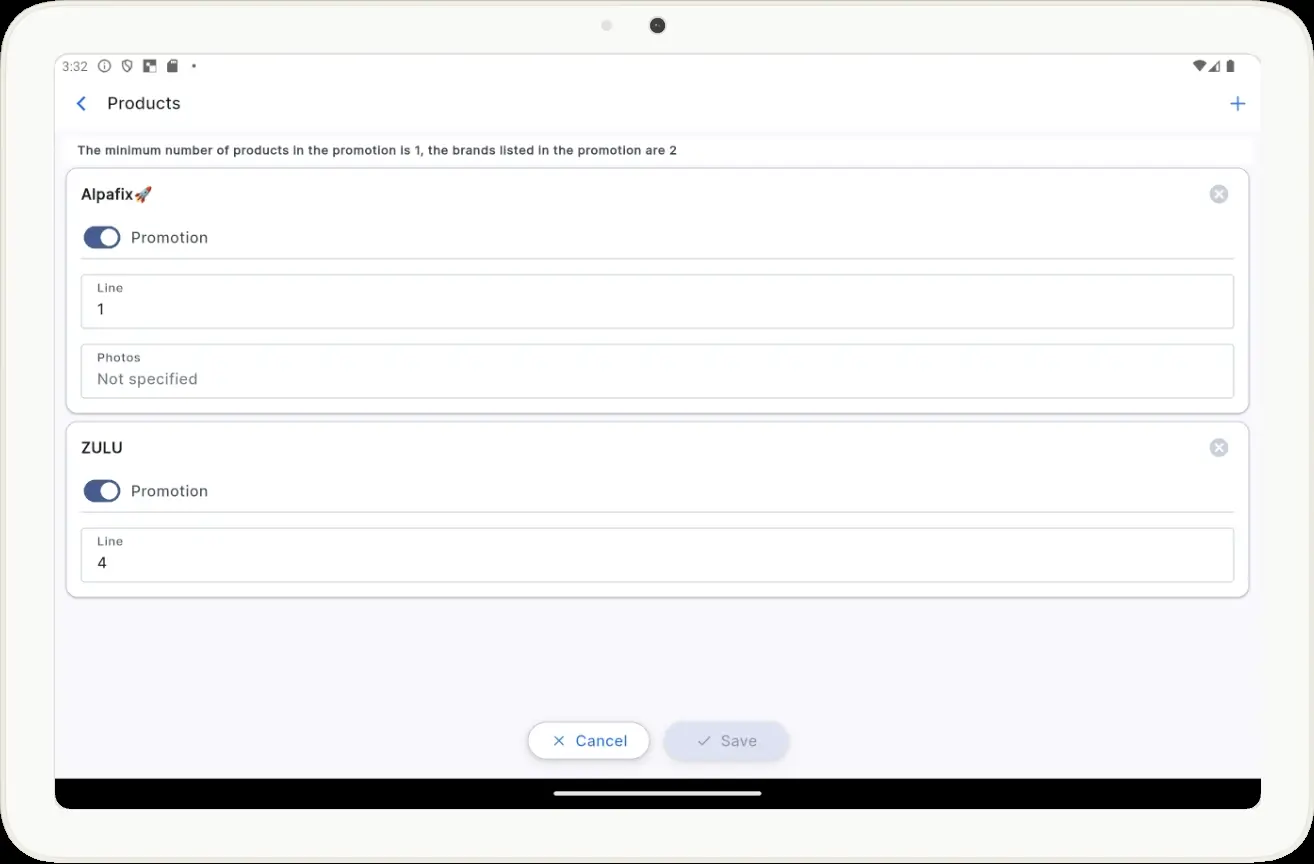
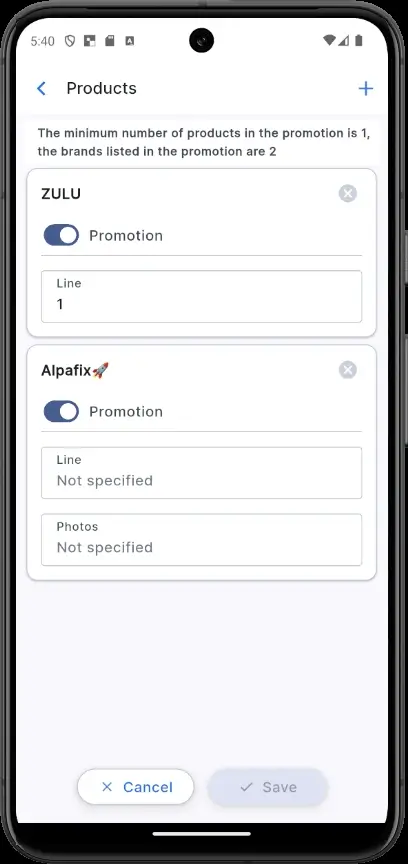
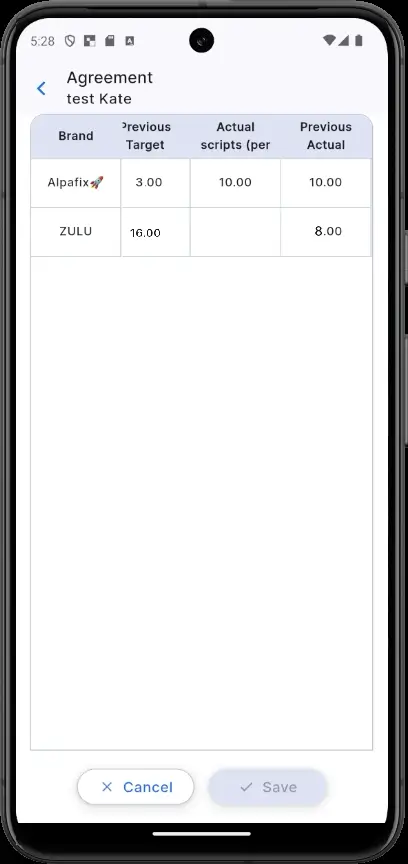
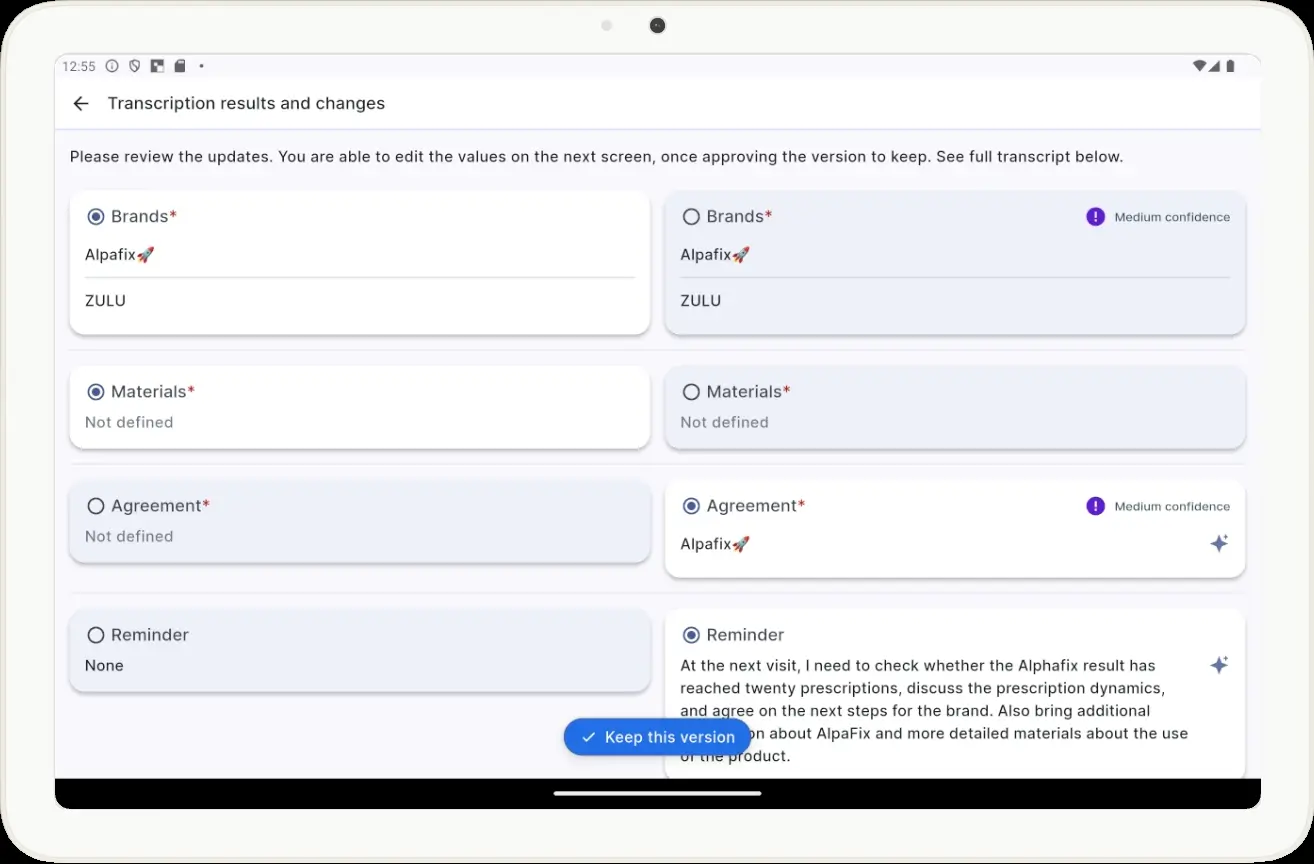
Screenshots 7–8. Brands designated for promotion before the visit.

Screenshots 9–10. Voice-to-Visit Agreement result: Potential = 39, Plan = 30, Actual = 10 are converted into the corresponding structured CRM metrics for the promoted product.

Presentation and Materials for the Next Visit Are Different Contexts

The speech contains two different events.

The first has already taken place:

“A presentation was used … the promotional materials Branded USB Flash Drive were delivered …”.

This is the Materials context.

The second relates to the future:

“The pharmacist asked me to bring additional information about Alpafix at the next visit …”.

This is the Next Visit Reminder context.

This is how natural language can contain several thematically similar phrases that have different business roles.

In a real client environment, the exact name of a presentation or other material must correspond to a material available to the user and to the CRM configuration — then Voice-to-Visit can match what was said to the corresponding object and record it in the visit.

The Visit Result Does Not Require a Special Command Either

The person simply describes the meeting:

“The visit went well. The doctor was interested …”.

AI then identifies the content as the visit result: the LLM analyzes the tone and content of the meeting and matches them to an allowed result in the specific business environment.

Stop — Transcription, Then AI Mapping

After finishing the voice report, the medical representative taps Stop.

First, the system recognizes the speech and converts it into text. Then AI analyzes the transcript and generates suggested changes for the visit card. The user then proceeds to review the results.

Screenshots 11–12. After the voice report is completed, the system starts transcription and AI processing.

Review Before Applying Changes

After AI mapping, the user sees the suggested values.

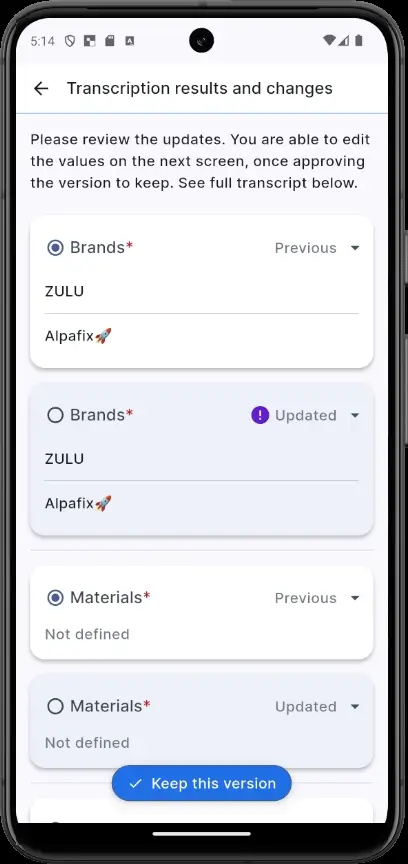
For individual fields, High, Medium, or Low confidence levels may be displayed. This is the AI’s confidence assessment, not automatic confirmation that the interpretation is correct.

The medical representative reviews the result and corrects or adds a field if needed. The transcript makes it possible to verify how Voice-to-Visit recognized the person’s natural speech.

Screenshots 13–16. The user personally confirms the version suggested by Voice-to-Visit.

The Result: A Standard CRM Visit Card, Not a Separate AI Report

After confirmation, the information becomes part of the standard Proxima Cloud CRM visit card.

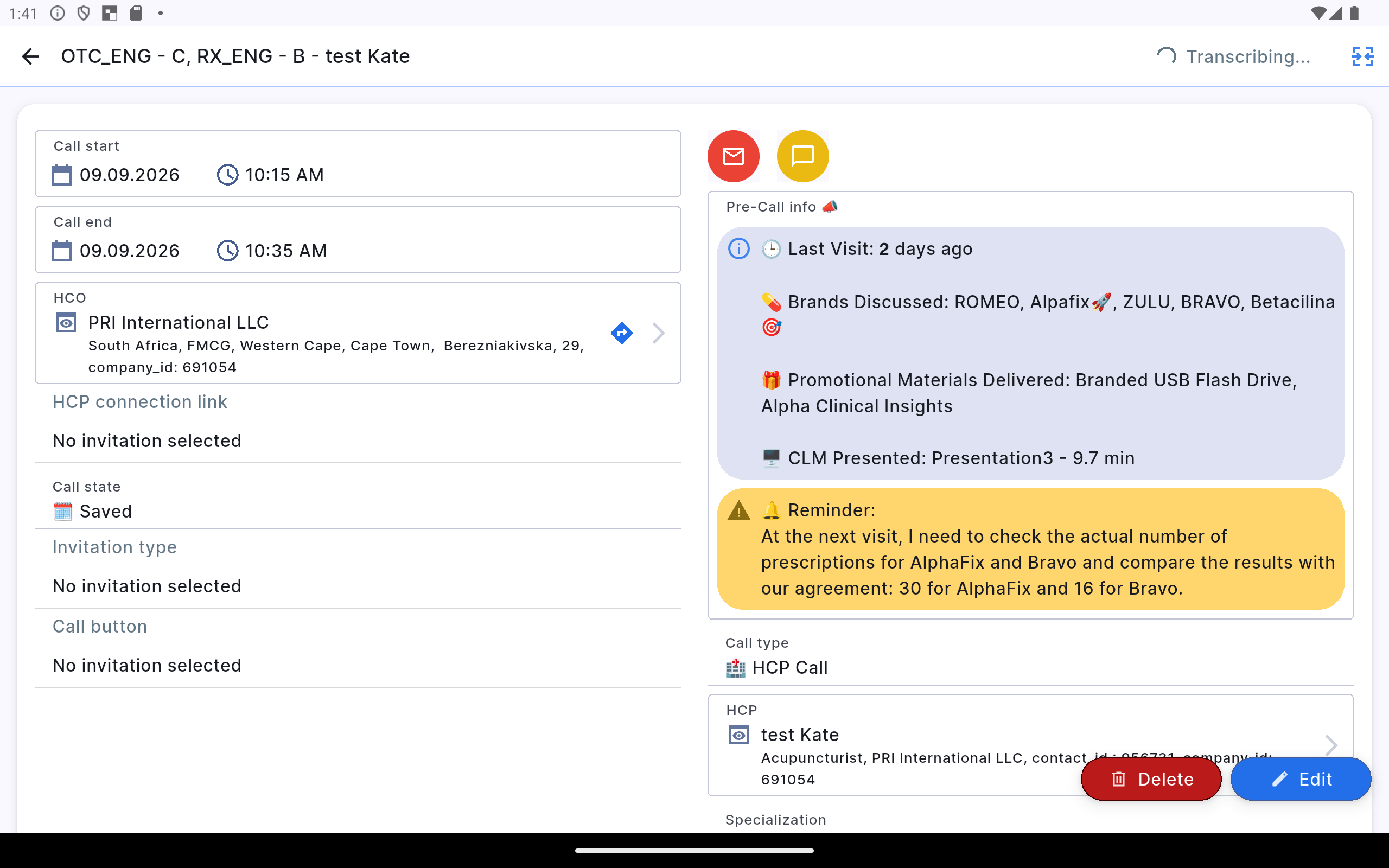
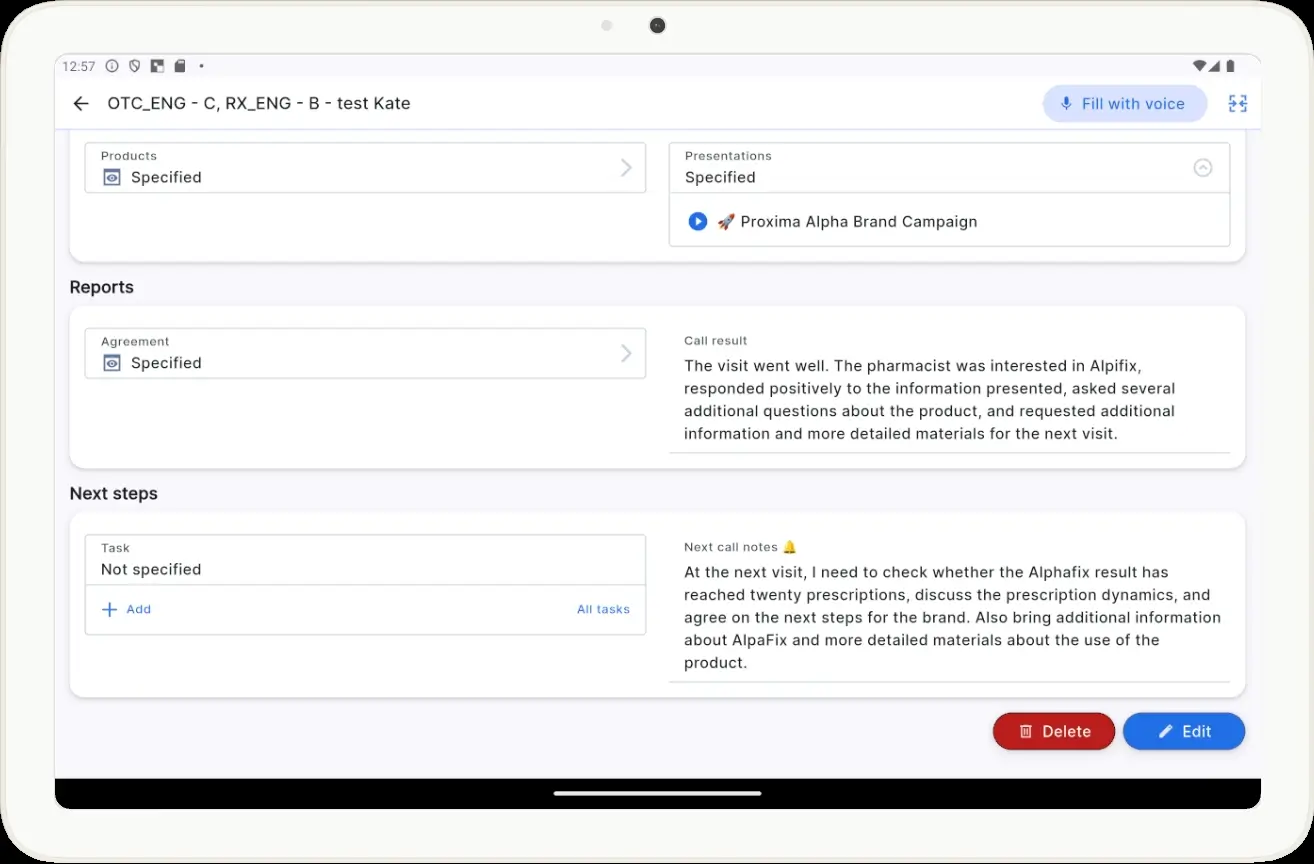
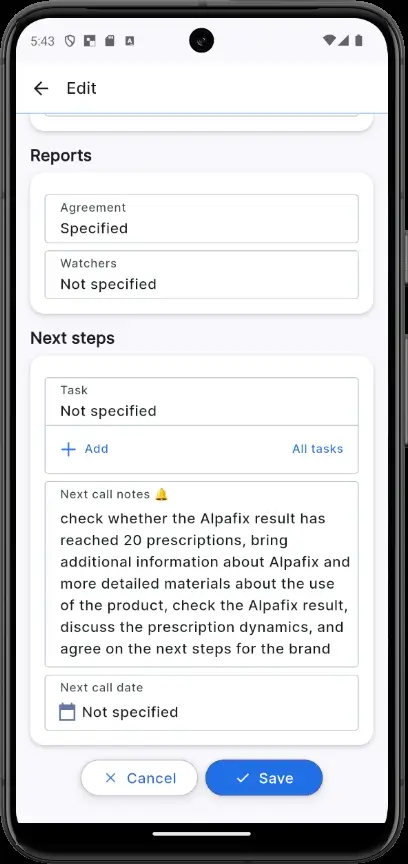
The user therefore continues to work not with a “separate AI note,” but with ordinary CRM field data: Products, Agreement, Materials, Call Result, Reminder.

These can be reviewed and, if needed, edited in the familiar interface.

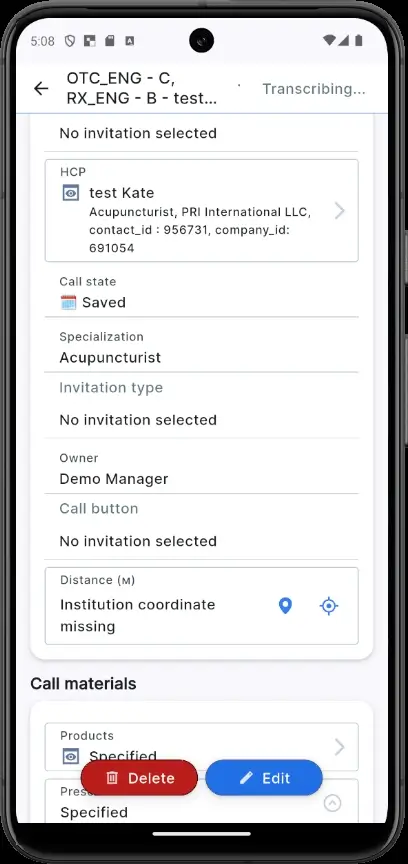
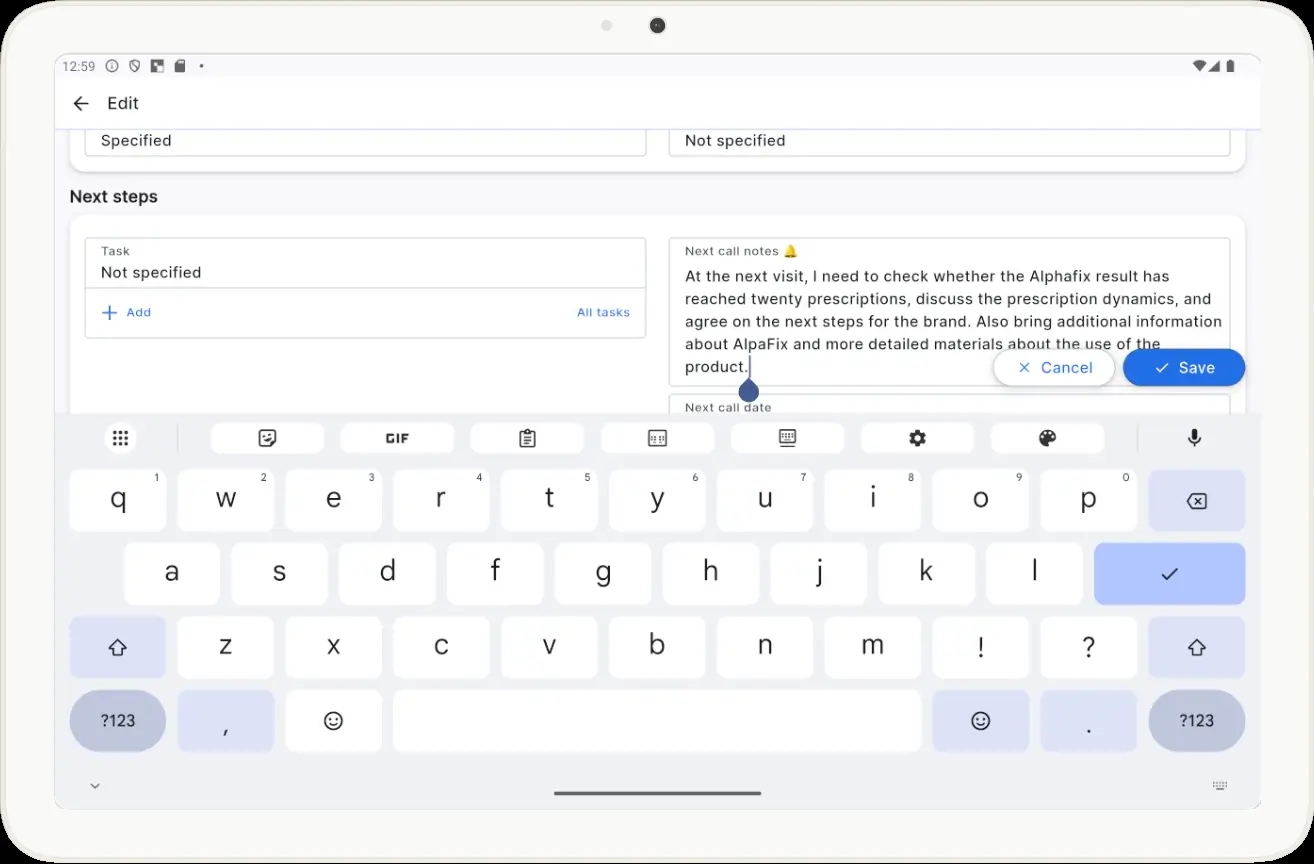
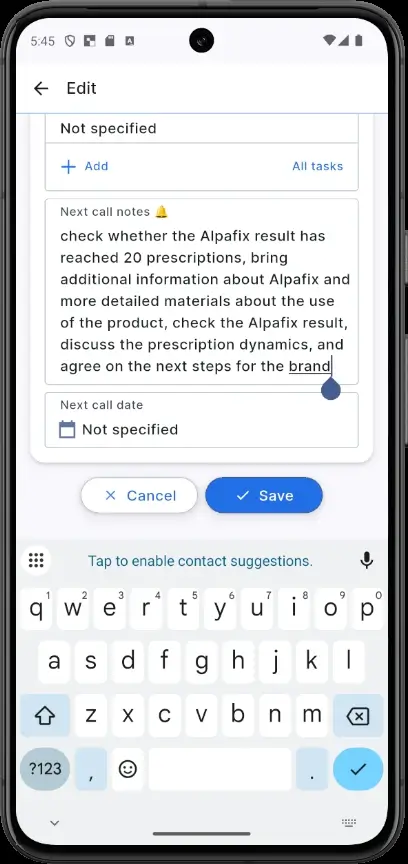
Screenshots 17–20. After confirmation, the voice-report results become structured data in the standard Proxima Cloud CRM visit card.

The visit can now be closed.

Screenshots 21–24. Closing the visit after the visit card has been completed using the Proxima Cloud CRM Voice-to-Visit voice assistant.

Why This Scenario Is Illustrative

In one short voice message, we were able to capture:

brand → presentation → three numerical Agreement metrics → meeting result → next actions.

The wording remained natural throughout.

This is the core value of Voice-to-Visit: rather than forcing a person to speak in the language of CRM fields, the system is designed to correctly interpret the language of a pharmaceutical company representative’s real work.

In future iterations, the team will continue refining other visit types and scenarios—including pharmacy visits, different sets of promotional materials, brands, and Agreement configurations. As a result, AI mapping and the feature’s operating rules will continue to improve and expand.

Try Voice-to-Visit in Your Work

Reduce the time spent on routine post-visit report completion.

If you are already a Proxima Cloud CRM user, ask your administrator to enable Voice-to-Visit. Try the feature and share your comments and suggestions with us.

If you are looking for a CRM for a pharmaceutical company, try the Proxima Cloud CRM demo version.

Would you like to be contacted, learn more about our product, or receive personalized advice?

Хотите, чтобы с вами связались, узнать больше о продукте или получить персональную консультацию?

Бажаєте, щоб з вами зв’язалися, дізнатися більше про продукт або отримати персональну консультацію?

¿Le gustaría que le contactaran, conocer más sobre nuestro producto o recibir asesoría personalizada?

Gostaria de ser contatado, saber mais sobre nosso produto ou receber uma consultoria personalizada?

BLOG

Related articles

Кейс Proxima Cloud CRM: GeoForce для управління територіями у фармацевтичній компанії GSK | GSK case study: GeoForce for territory management in a pharmaceutical company

GSK

Proxima Cloud CRM Success Stories: GSK Ukraine. Country: Ukraine GSK is one of the leading

Read More
Кейс Proxima Cloud CRM: GeoForce для управління територіями у фармацевтичній компанії GSK | GSK case study: GeoForce for territory management in a pharmaceutical company

GSK

Proxima Cloud CRM Success Stories: GSK Ukraine. Country: Ukraine GSK

Read More

Запросіть демонстрацію функцій Proxima Cloud CRM

Залиште свої дані, щоб дізнатися, як це працює
Будь ласка, введіть коректне ім'я (не лише цифри).
Використовуйте коректну корпоративну адресу пошти.
Введіть коректний номер телефону.

Request a Demo of Proxima Cloud CRM Features

Leave Your Details to See How It Works
Please enter a valid name (not just digits).
Please use a valid corporate email address.
Please enter a valid phone number.

Unlock your free PDF

AI Under the Hood of Pharma CRM

Download our practical playbook for pharma leaders