
In February, Proxima Cloud CRM implemented Release v.13 with a focus on flexibility, transparency, and reliability across the CRM system, GeoForce, and Power BI dashboards.
34 New Features Added
70+ Bugs Fixed
In this article, we have prepared a detailed overview of all the new capabilities of our products. Follow the updates on our blog — releases will be published regularly.
Contents
Short Overview
This time, we were focused on flexibility, clarity, and reliability across Proxima Cloud CRM, GeoForce, and Power BI dashboards, helping teams work faster, make better decisions, and trust their data.
- From now on, clients can adapt Proxima Cloud CRM to their business processes with Custom Objects, manage inventory and materials more transparently, and control what users see and do through improved admin capabilities.
- Field teams operate more efficiently with simplified forms, clearer limits, and more precise analytics, while managers achieve better visibility across teams and territories.
- GeoForce becomes more actionable with direct synchronization to Proxima Cloud CRM responsibilities, smarter territory balancing based on real travel time, and clearer visual planning on the map.
- Due to accurate recalculations in Sales and POI data, real-time dashboards refresh, and multiple data accuracy fixes, reporting and analytics are more reliable.
Latest Proxima Cloud CRM release reduces manual work, improves planning confidence, and ensures that all the data in the system reflects real-world activity — from visits and territories to inventory, consents, and communications.
Custom Objects: More Freedom for Your Business Processes
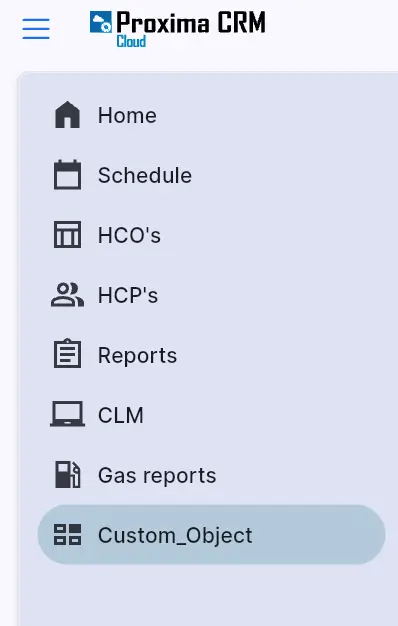
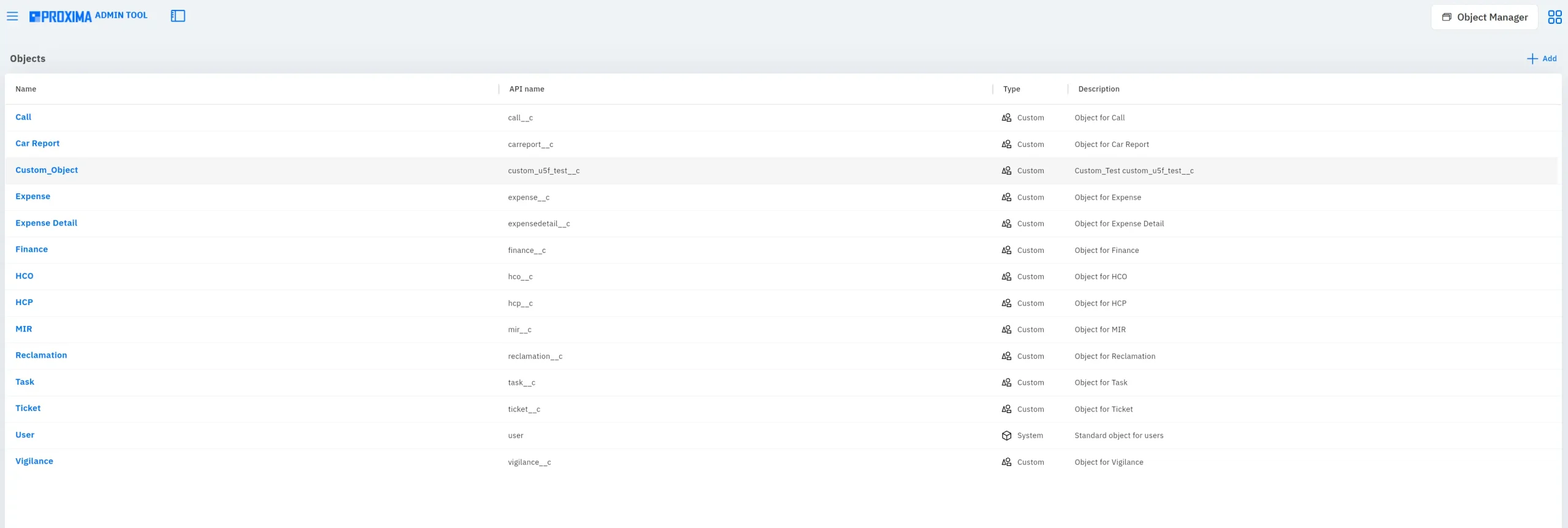
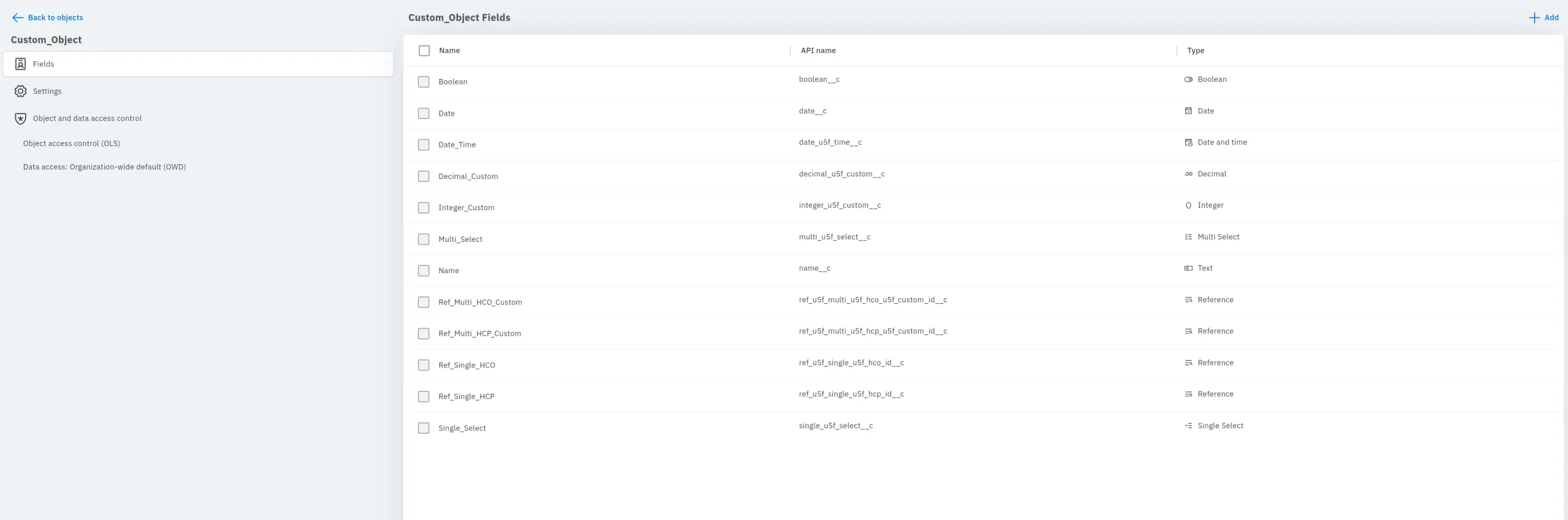
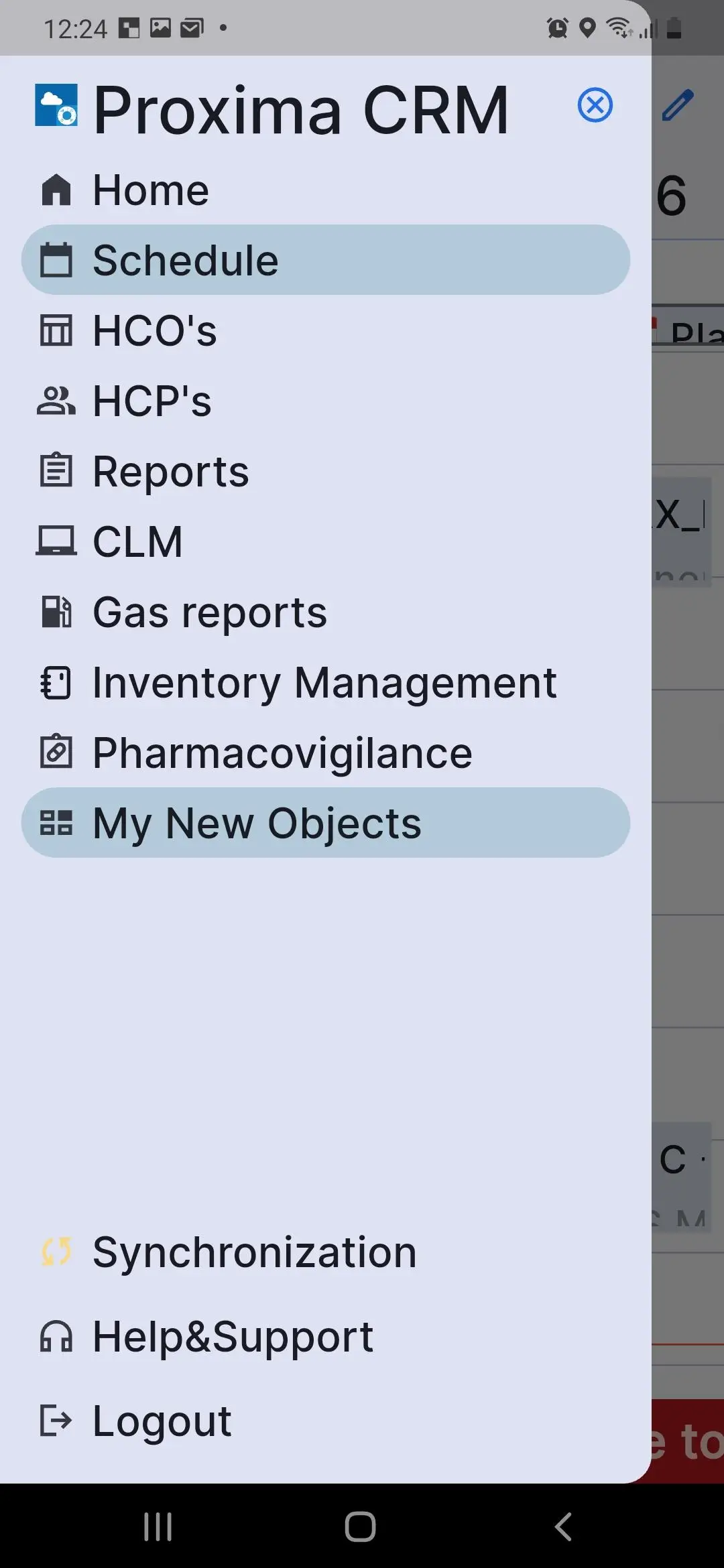
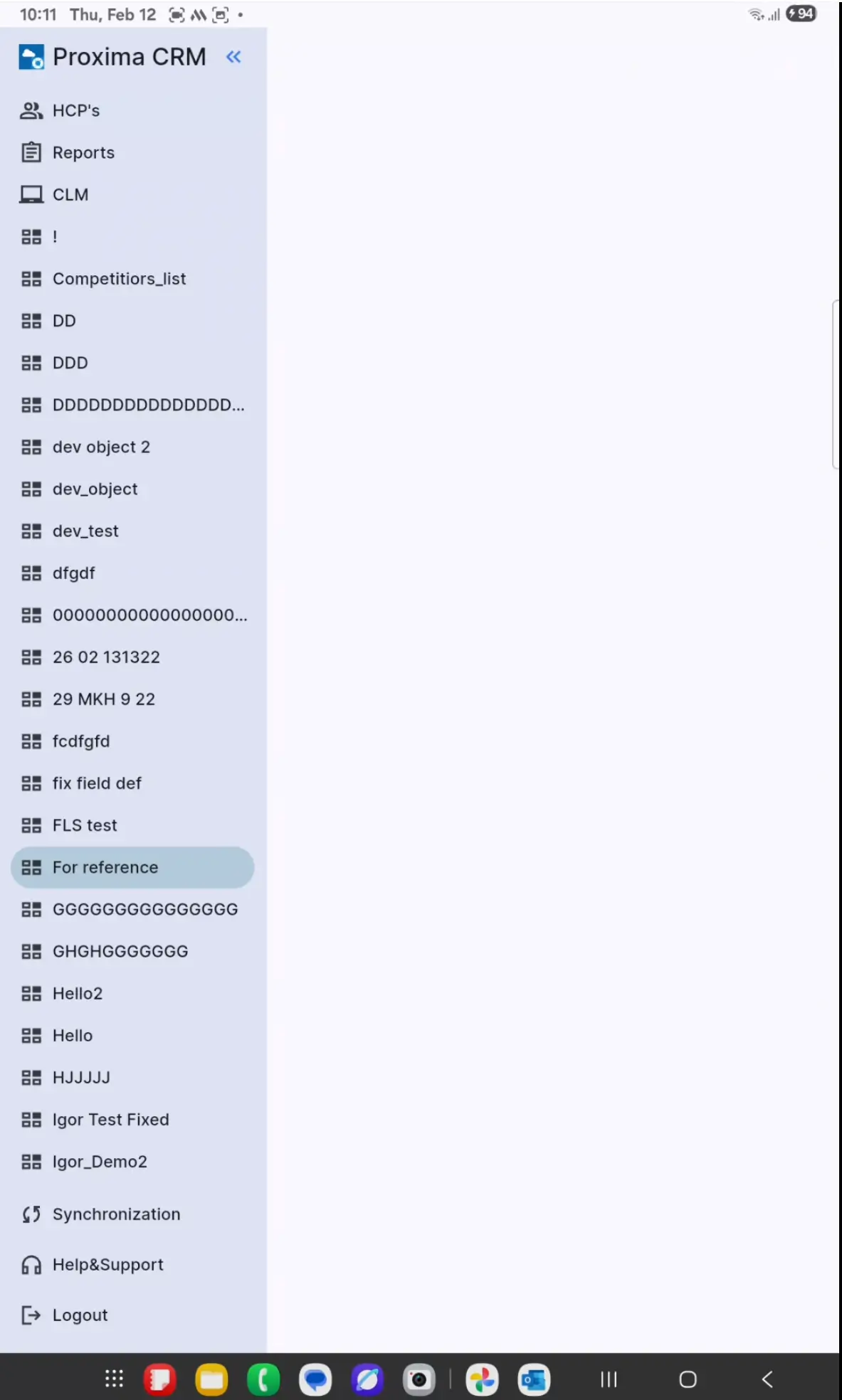
With Release v.13 updates, users get a custom object builder that makes it possible to adapt Proxima Cloud CRM to the specifics of their own business processes without changes to the core platform.
- Custom Objects Creation and Access Management through the Admin Panel.
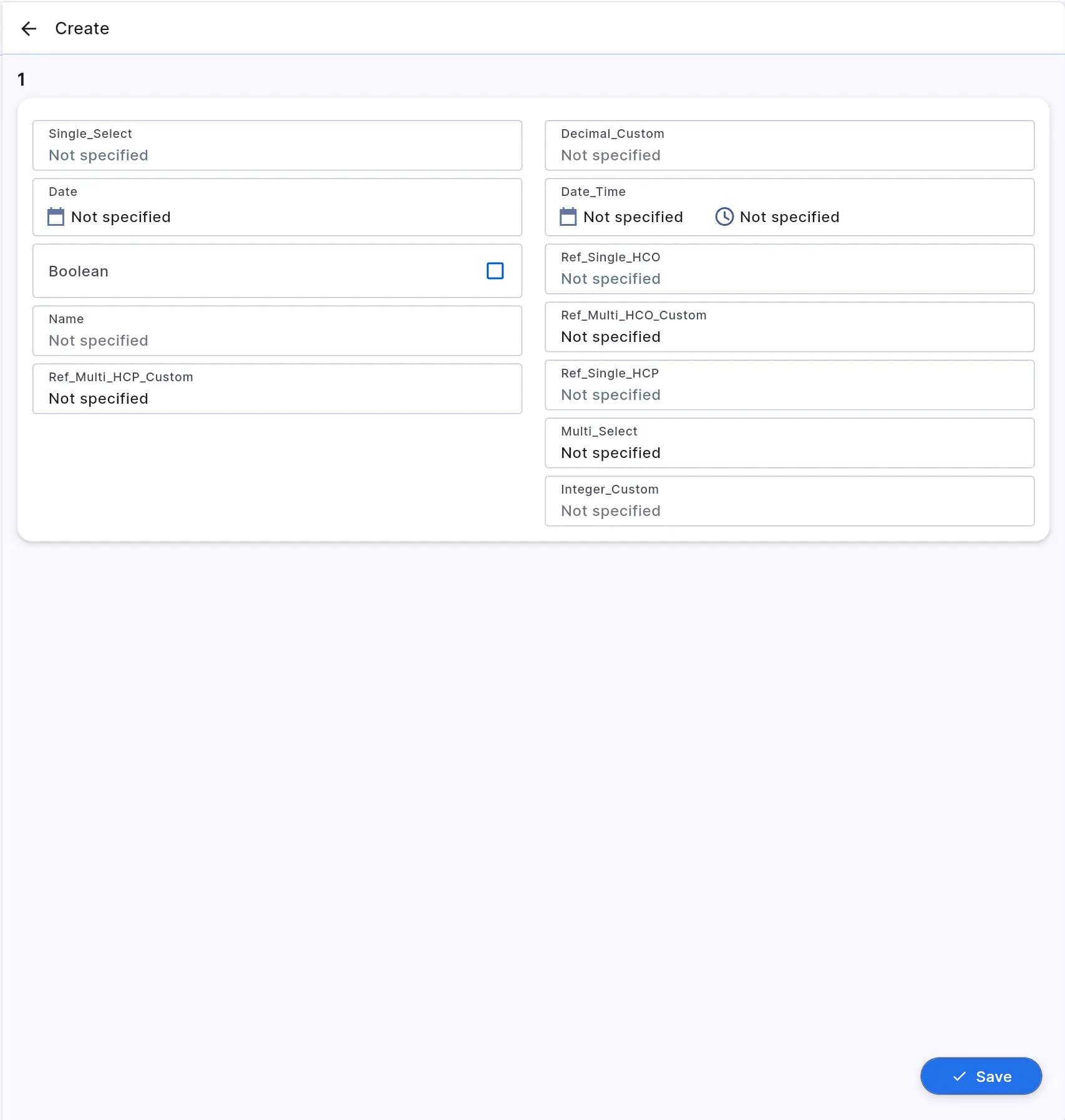
Administrators can create custom objects with unique fields to store business-specific data. They can configure access permissions for custom objects based on user profiles (view, edit, etc.)
- Links to System Objects.
Each custom object can be linked to two system objects, enabling seamless integration of new entities into the existing CRM data model.
- Web Version.
Users can view and work with custom object records through the web interface according to their assigned access rights.
GeoForce Update: Smarter Territory Management and Improved Map Performance
The February update adds new tools for more convenient territory management in GeoForce.
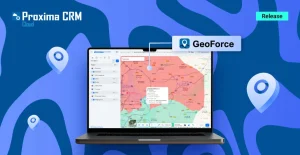
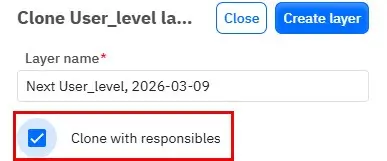
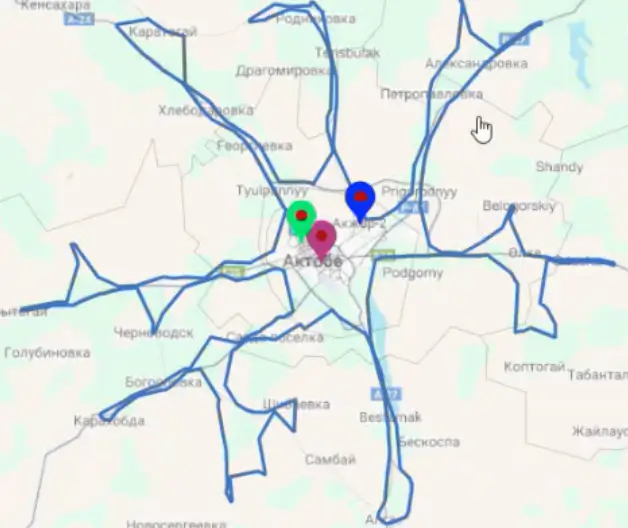
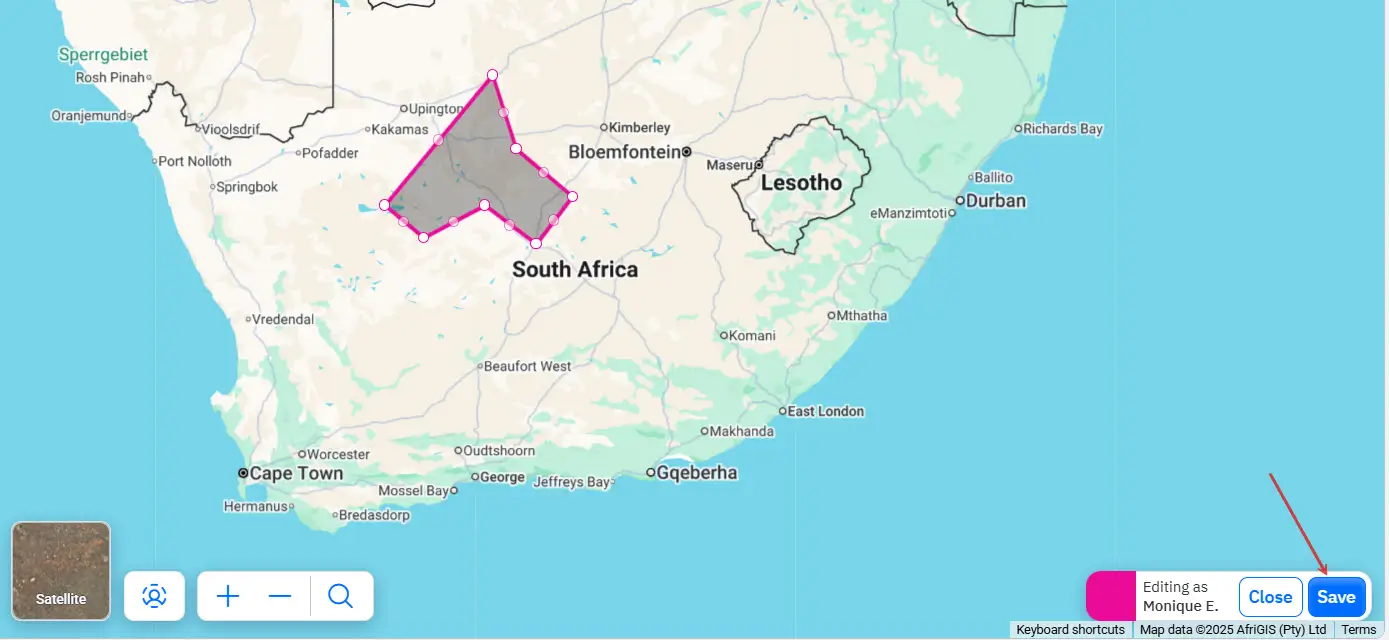
Users can now draw territories directly on the map and instantly assign all organizations and clients within that territory to the appropriate Proxima Cloud CRM users.
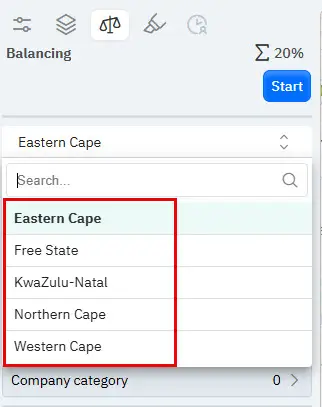
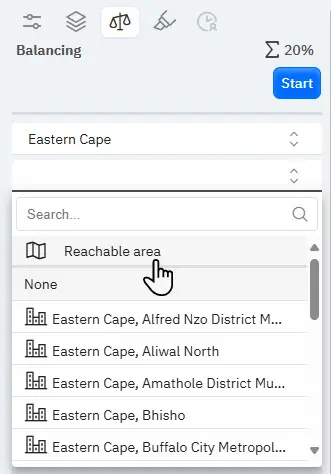
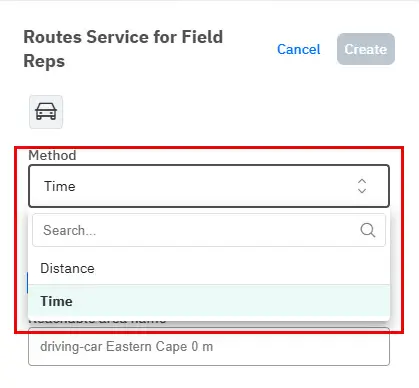
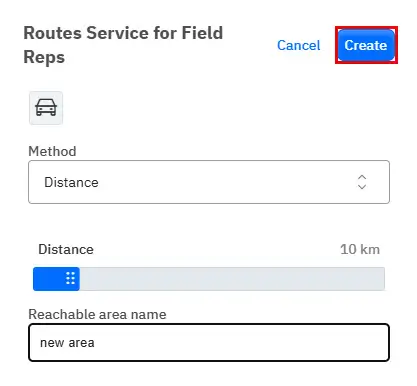
Territory balancing has been improved through isochrones (travel-time boundaries), making it possible to create territories according to real accessibility.
Improved visual planning, more accurate data recalculation, and fixes in the mapping engine provide more accurate data, stable system performance, and better productivity.
- Drawing Territories on the Map.
Now, users can draw areas on the map to instantly assign all organizations and clients within that territory to selected Proxima Cloud CRM users.
- Advanced Balancing in GeoForce
Territory generation now uses isochrones (travel-time boundaries), ensuring territory balance according to real accessibility.
- Visual Planning enhancement
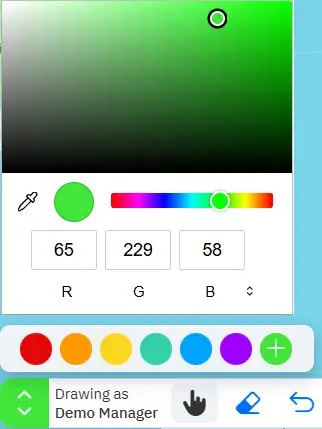
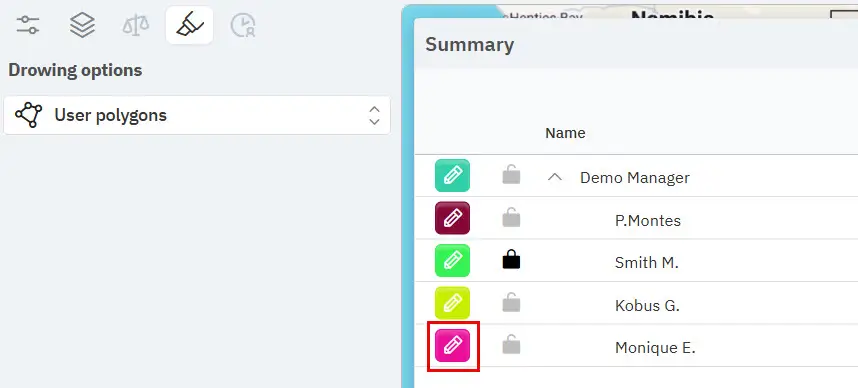
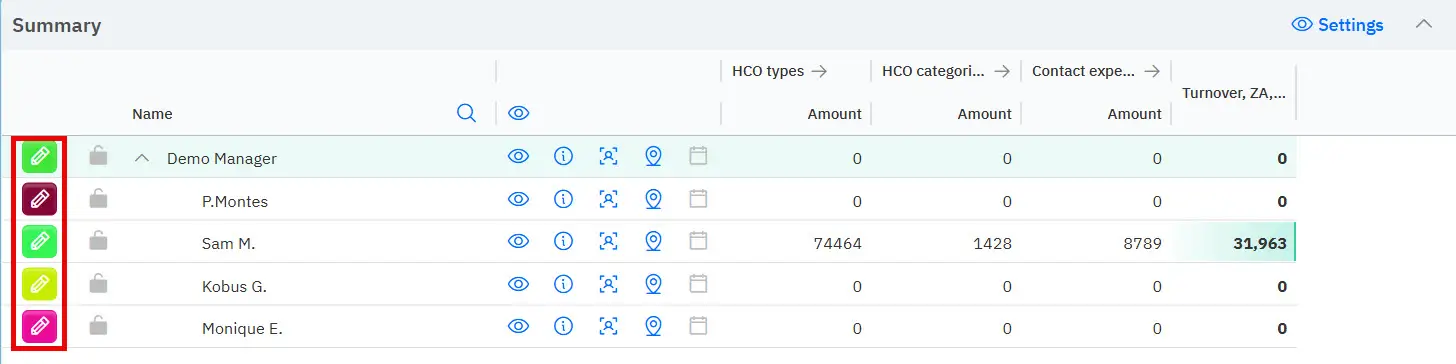
Added the ability to select a custom color when creating custom areas (blocks), making it easier to distinguish between overlapping territories.
- Data Accuracy
Sales and POI data recalculations in the grid now accurately reflect updated territory boundaries and selected product directions.
Web Inventory Management, Power BI Integration, and Enhanced User Experience
This update expands Proxima Cloud CRM functionality through the web version of key Inventory Management modules, enabling inventory operations directly in the browser.
Users can track product balances directly from the order card, while administrators gain more control over fields in visit forms and access to data.
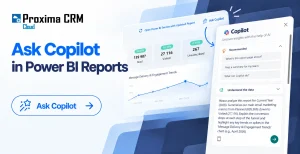
Integration with Power BI allows authorized users to run real-time report updates directly from the CRM.
The update also includes system performance improvements, more accurate material management at the facility level, UX improvements, and system stability fixes.
Let us take a closer look:
- Web Version for Inventory Management Module.
The Inbound Stock, Inventory Balance, and Inventory Write-off modules now fully work in the web interface and match the functionality of the mobile app.
- Stock Tracking from Order Card
Users can now record product stock balances directly from the order card and save them to the CRM database. This allows for better visibility into product availability and more reliable data for planning and decision-making.
- Field Visibility Management in Visit Forms.
Administrators can now control which fields are visible in visit forms directly from the admin panel. Irrelevant or unnecessary fields are automatically hidden. Users spend less time navigating forms and focus on collecting the required data.
- On-demand Power BI Updates Directly from Proxima Cloud CRM.
Users with a Power BI Premium Per User (PPU) license can run real-time dataset updates directly from Proxima Cloud CRM. Updated reports open immediately in Power BI Cloud for analysis of the most current data.
For Proxima Cloud CRM customers, Power BI is one of the most convenient solutions for analytics. Read more about the differences between Power BI and QlikView in our BI tools overview.- Data Access Management
CRM administrators can grant or revoke user access to on-demand data refresh and viewing of refreshed Power BI reports directly from the CRM admin panel.
- Improving Performance
Asynchronous dataset loading allows large volumes of data to be processed without system delays. Daily synchronization of dictionaries ensures consistency of reference data between the CRM and user data.
- UX Enhancement for Better User Experience
Multi-select fields are now collapsed by default, making visit cards more compact. One-click synchronization sets the visit time according to the device time for fast and accurate data entry.
- Institution-Based Limits
Promo material distribution can now be controlled at the institution level for improved inventory accuracy.
- Last Visit Date Across Team Hierarchy
The Facility and Customer tabs now display the last visit date, taking into account visits by all subordinate users in the hierarchy.
Summary
This is our first combined release for Proxima Cloud CRM with security features, role-based access, and the Custom objects builder.
We significantly increased system reliability and provided the flexibility needed for complex business scaling.
Want to Learn How Release v.13 Updates Can Work in Your Business Processes?
Fill out the feedback form, and we will show how the new capabilities of Proxima Cloud CRM, GeoForce, and other Proxima Research products can be applied in practice.